

The High Cost of Cognitive Friction
Legacy software often gets a pass for being aesthetically outdated as long as it remains functional. However, there is a distinct difference between "ugly" and "confusing." The latter introduces a silent budget killer known as cognitive friction.
In the context of complex enterprise workflows, cognitive load refers to the amount of mental processing power required to use a tool. Every time an employee has to memorize a workaround, decipher an ambiguous error message, or navigate five nested menus to perform a daily task, they are burning mental energy. Instead of focusing on their core expertise, they are fighting the interface.
The financial impact of this friction manifests in three critical areas:
- Bloated Training Costs: Intuitive software requires minimal instruction. Conversely, unintuitive legacy systems demand extensive onboarding weeks, heavy documentation, and constant retraining, keeping employees out of production longer.
- Increased Error Rates: Cluttered screens and inconsistent navigation breed mistakes. In industries like healthcare or finance, a data entry error caused by bad UI isn't just annoying; it is a liability.
- The Rise of Shadow IT: When the "official" tool is too painful to use, employees find their own path of least resistance. They turn to unauthorized apps, personal spreadsheets, or unsecured messaging platforms to get the job done, creating significant security and compliance blind spots.
Ultimately, investing in modern UX is not merely an aesthetic choice; it is a deflationary cost measure. By reducing the cognitive load, organizations effectively purchase time, accuracy, and security, turning software from a bottleneck into an actual productivity multiplier.

The Role of Design Systems in Scaling Consistency
Modernizing legacy software isn’t simply about applying a new coat of paint or updating a color palette. If you treat modernization purely as a visual refresh, you invite the same inconsistencies that plagued the old system to creep back in. To truly scale effectively, you need a Design System—a living "source of truth" that bridges the gap between design and engineering.
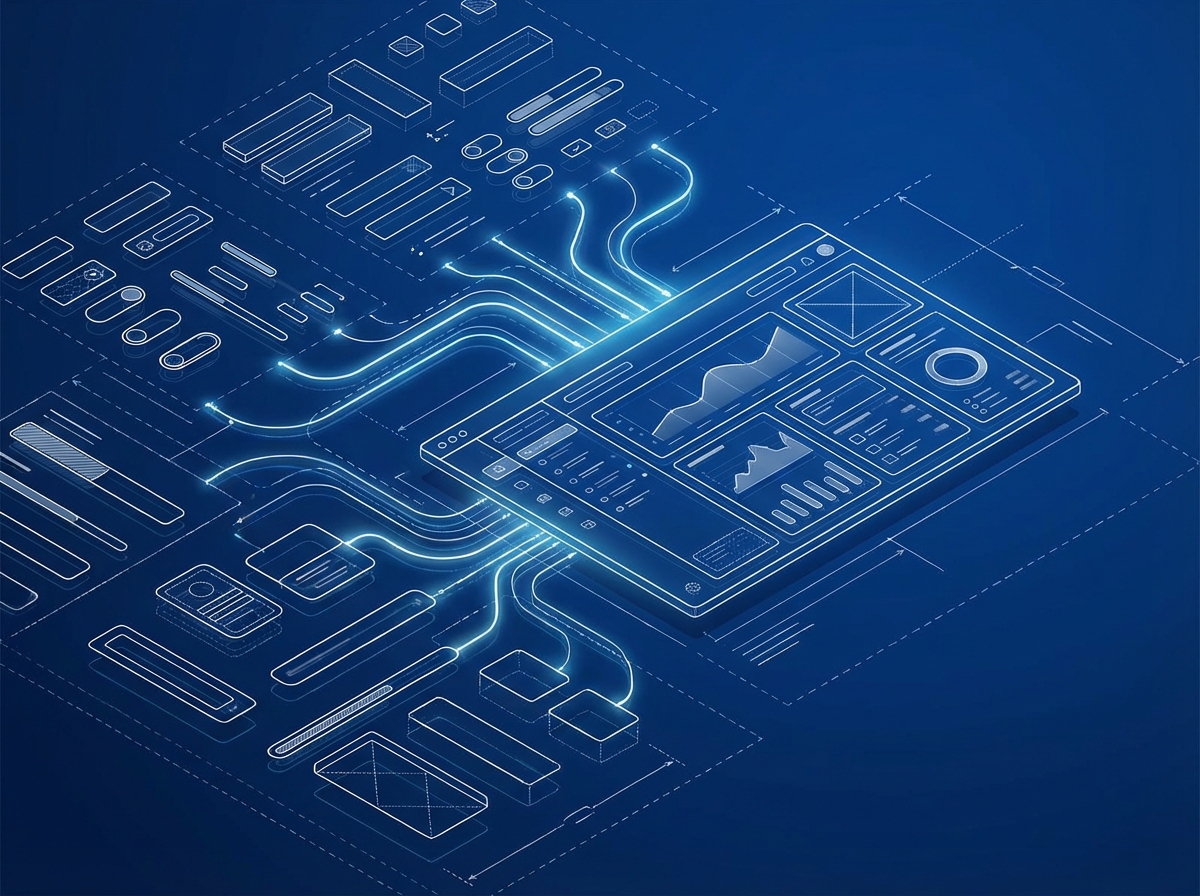
The most effective design systems often rely on Atomic Design principles. Instead of designing full pages in isolation, teams build a collection of "atoms" (basic elements like inputs, labels, and buttons) that combine to form "molecules" (search forms) and eventually "organisms" (complex dashboards). This modular approach ensures that every piece of the interface is constructed from the same foundational blocks.
For an enterprise ecosystem, the impact of a centralized component library is profound. Consider the employee experience: a primary action button in the HR software should look, feel, and behave exactly the same as a button in the CRM. When interface patterns are predictable, cognitive load decreases, and users can navigate different internal tools without having to relearn how to interact with them.
Beyond user experience, a robust design system is a massive efficiency booster for development teams. By reusing pre-tested components, developers stop reinventing the wheel for common UI elements. This significantly reduces technical debt, ensures accessibility compliance across the board, and allows the organization to ship future updates at velocity.
Importing 'Consumer-Grade' Expectations
When employees open their enterprise dashboard, they don’t leave their expectations at the door. In their personal lives, they navigate apps like Spotify and Amazon with zero training and instant gratification. Bringing this "consumer-grade" standard to B2B software is not about superficial aesthetics; it is about valuing the user's time through speed, visual minimalism, and the anticipation of needs.
To bridge the gap between clunky legacy systems and modern productivity tools, developers must borrow specific UX principles from the consumer world:
- Contextual Onboarding: Gone are the days of the 50-page PDF manual. Modern enterprise tools should utilize interactive wizards and tooltips that guide users through workflows in real-time, allowing them to learn by doing rather than by studying.
- Reassuring Micro-interactions: Uncertainty kills efficiency. Consumer apps provide constant status updates, and B2B tools should do the same. Subtle visual cues, such as a button transforming into a green checkmark upon saving, provide the immediate validation users need to move confidently to the next task.
- Predictive Search: Users should never have to memorize exact ID numbers or specific naming conventions to find a file. Implementing fuzzy search logic and auto-completion—standard features in any e-commerce store—drastically reduces the cognitive load required to retrieve information.
It is vital to remember that a data analyst or HR manager is also a consumer. They deserve the same level of design empathy as an online shopper. By treating internal tools with the same care as customer-facing products, organizations can transform software from a daily frustration into an invisible enabler of productivity.
Strategic Approaches: Evolution vs. Revolution
When modernizing complex enterprise software, the "all-or-nothing" rewrite is rarely the right answer. It creates long blackouts in development and carries high adoption risks. Instead, successful UX modernization usually follows one of two evolutionary paths tailored to the organization's technical debt and timeline.
- The Strangler Fig Pattern: Named after the vine that grows around a tree, this approach involves replacing the legacy system piece by piece. You identify distinct functional domains—like inventory management or user profiles—and rebuild them as modern micro-apps or services. Over time, the new application "strangles" the old one until the legacy system can be safely decommissioned. This allows for deep UX improvements because you are not constrained by the old backend logic.
- The UI Skin (The Facade): If the underlying business logic is sound but the interface is dated, a "skinning" approach applies a modern frontend framework over the existing APIs. This offers the fastest route to visual consistency and accessibility compliance without touching the complex database structures below. However, be aware that this often masks backend performance issues rather than solving them.
Regardless of which path you choose, the key to gaining organizational momentum is prioritizing the right modules first. Avoid tackling the most complex "spaghetti code" immediately. Instead, target high-traffic, low-risk modules. By modernizing a feature that employees use every day, such as a timesheet entry or dashboard view, you can prove the value of UX investments quickly and secure the necessary buy-in for the heavier lifting ahead.